The eDoc Setup
The eDoc setup includes the following tabs:
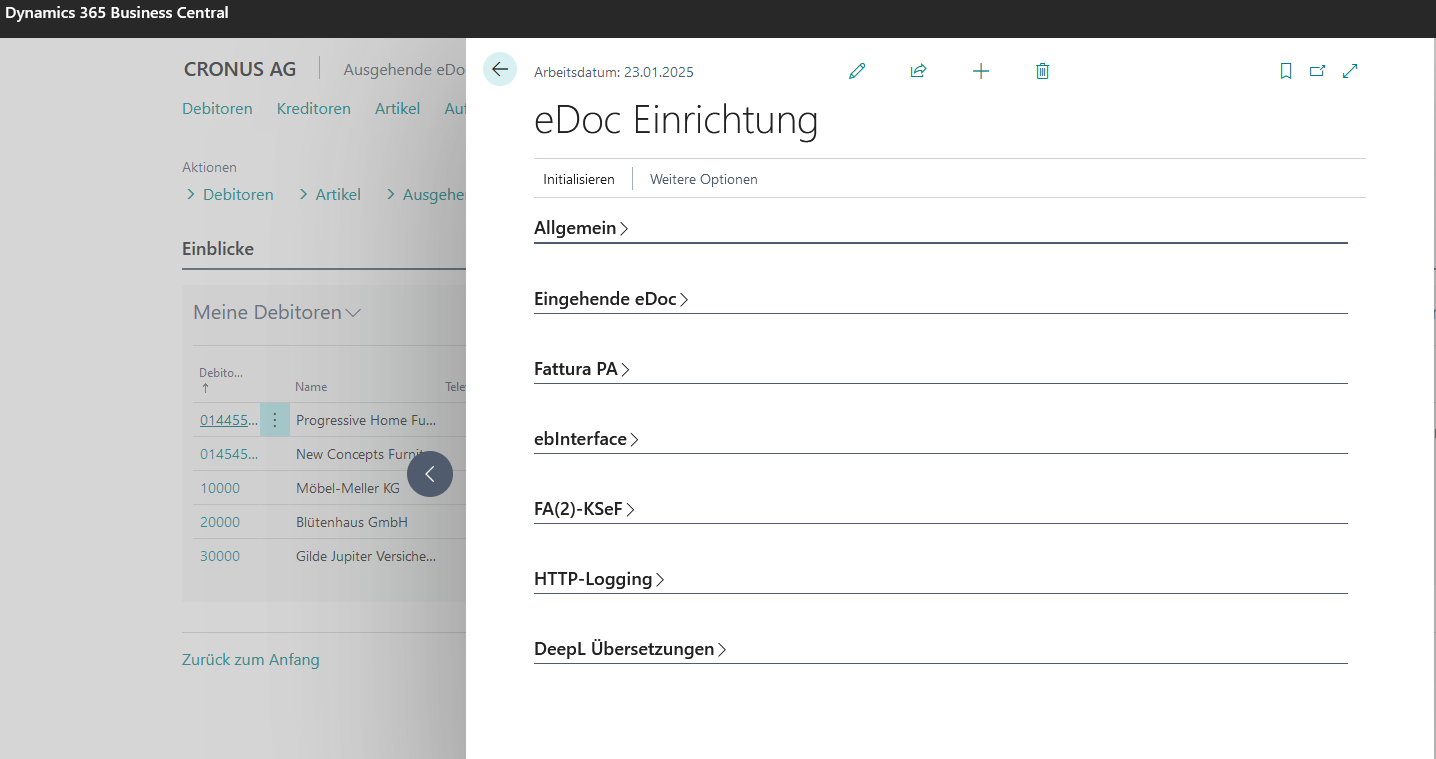
Tab General
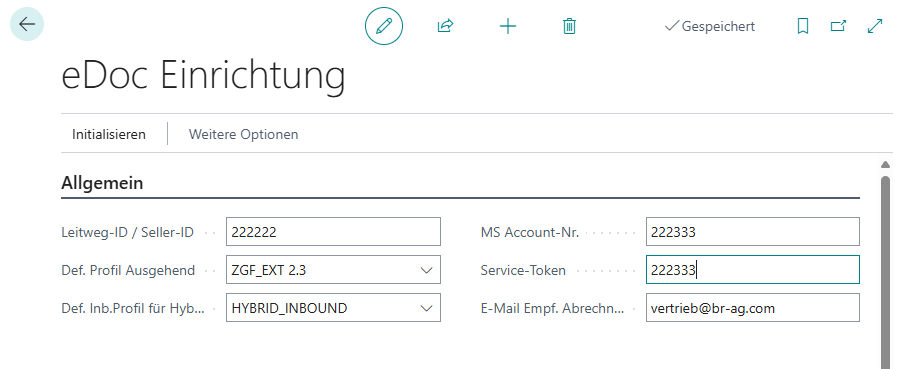
Leitweg-ID/Seller ID
The 'Leitweg-ID' is a feature of an electronic invoice used to uniquely address public-sector clients in Germany.
Default Profil Outbound
Defines a default profile to be used if no "eDoc Outbound Profile" is assigned to the customer.

MS Account Nr.
Required for transmission to the web service.
Service Token
Provided by bartolome röder AG.
E-Mail Settlement Recipient
Specifies the email address to which billing information will be sent.
For each customer, you can define a separate "eDoc Outgoing Profile" that differs from the default setting.
Tab Inbound
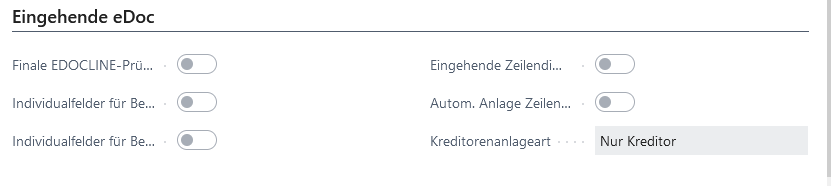
Disable Final EDOCLINE Check The final Edocline check should not be performed. Plausibility checks are conducted at the line item level before transferring the intermediate document (eDoc) to the BC document (invoice/credit note). These checks can prevent the transfer of the intermediate document. Typical checks include, for example, whether the selected accounting element matches the supplied tax rate.
Activate Custom Fields for Document Header Activates the "Custom Fields" feature for header fields. According to the feature setup, the fields from the eDocuments are transferred to the BC documents.
Activate Custom Fields for Document Lines Activates the "Custom Fields" feature for line fields. According to the feature setup, the fields from the eDocument lines are transferred to the BC document lines.
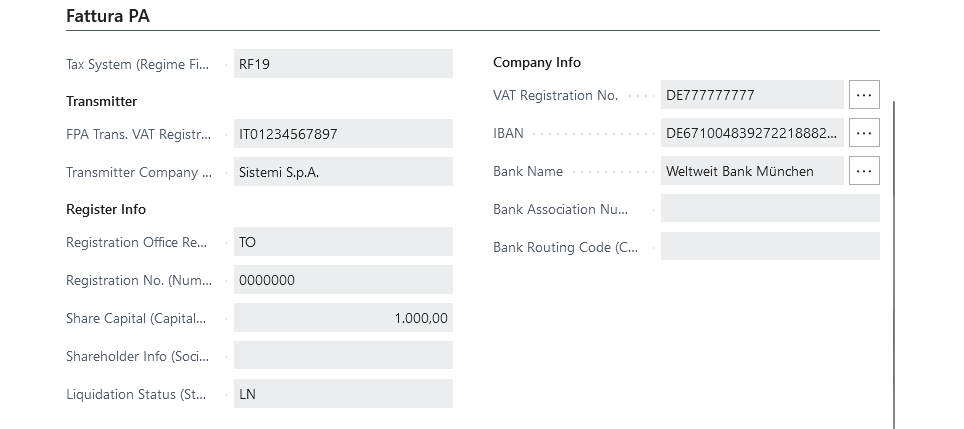
Tab Fattura PA
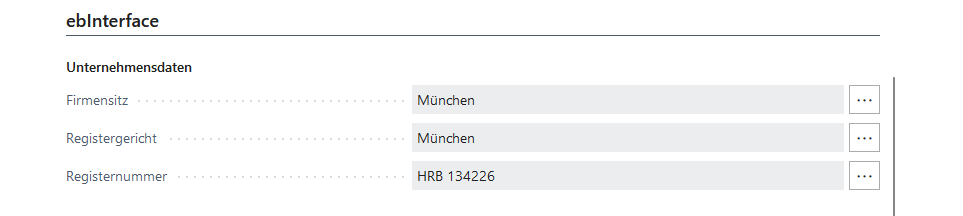
Tab ebInterface
Function 'Import eDoc Default-Mapping'
see setup guide: Chapter Import Default Mapping
For more information, please visit: brAG eDoc App